Game Mode - Pig War
About this content

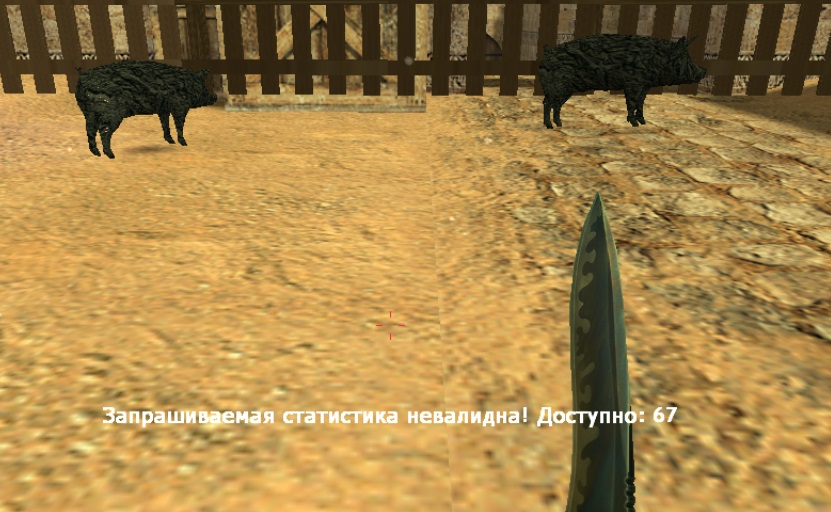
Introducing! This is Pig War! You might remember the old game 'Hogs of War', where you had to fight as pigs when it first came out on the 'Sony PlayStation' console. This game mode has lots of interesting and useful features, for example: flexible configuration of all functionality, the ability to keep battle statistics, and award ranks (a rating for each grunt). An API is provided so that some functions can be used in other plugins for your own purposes. (See the 'installation and configuration' section for details.)
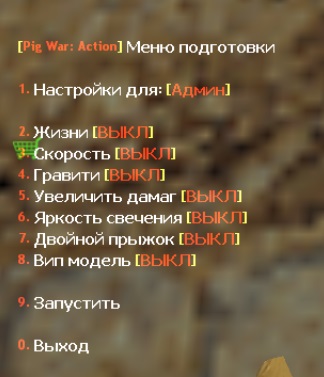
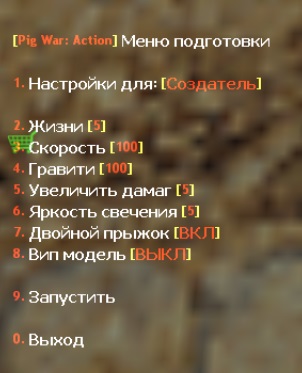
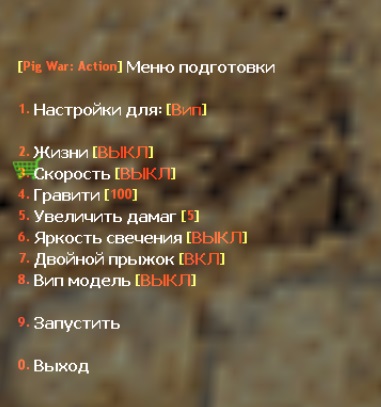
Preparing for battle: It all begins when the battle preparation menu is opened using a command (for example, by an admin). In this menu, you can choose various upgrades for the battle itself for different player categories. For example, if a player is VIP, you can choose only rendering or a double jump for all VIPs. For the Admin category, you can choose a VIP model upgrade for all admins, while the Creator (the head admin) can get a large amount of health and increased damage (speed, gravity).
Gameplay:
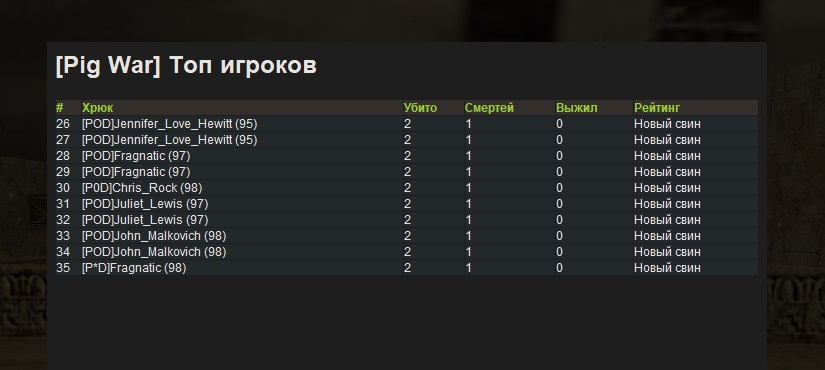
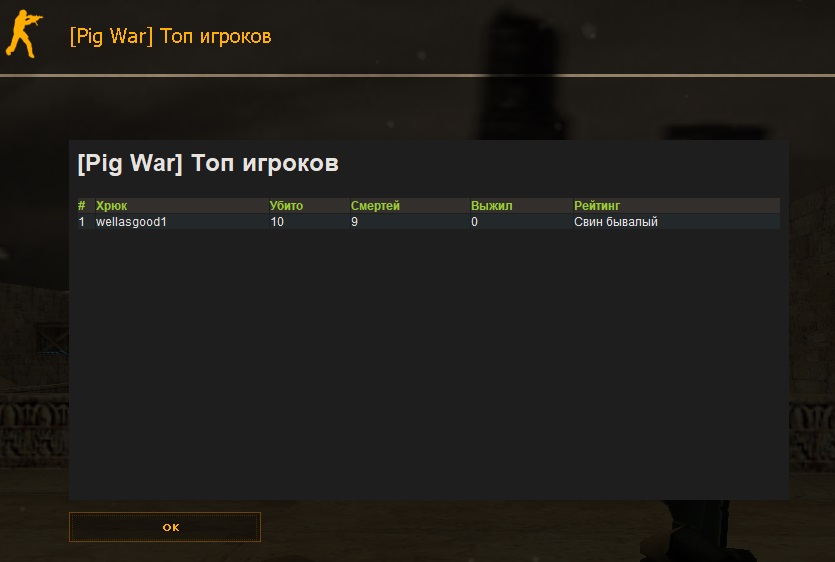
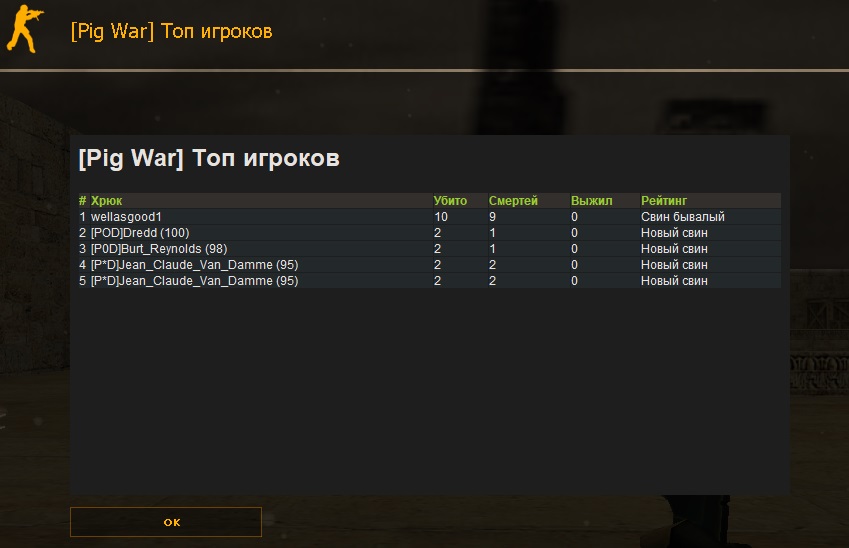
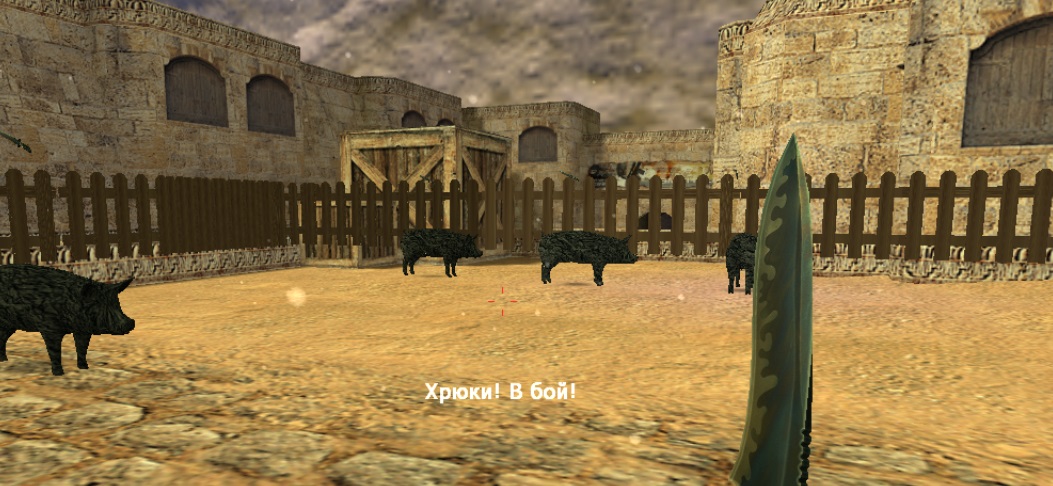
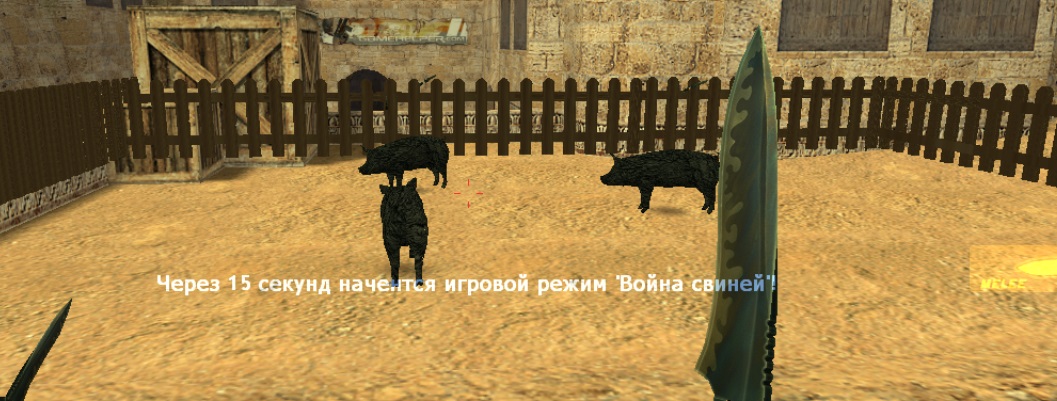
After configuring everything in the preparation menu, the battle begins. All players are teleported into the prepared enclosure (fence), everyone's model is changed to a pig (if using categories, each category gets a different model, depending on the flags), and a countdown to the battle begins. Once the countdown ends, the battle starts. Every time a pig dies, there will be a squealing sound, adding some fun to the gameplay. After a death, data is saved to the SQL database about the attacker and the victim. If it comes down to a pig-versus-pig showdown, the winner is recorded in a separate stat (survivor), and the statistics can then be viewed in an MOTD window using a command.
Requirements
Your own website for hosting the CSS file (preferable, but you can ask a friend).
A connection to an SQL database (with no query limits, since there will be many of them).
A connection to an SQL database (with no query limits, since there will be many of them).
Commands
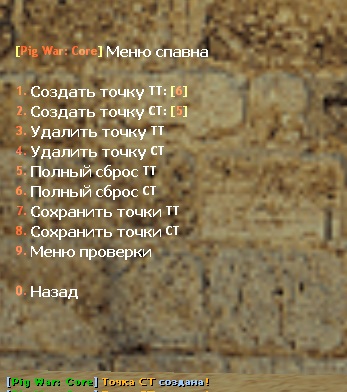
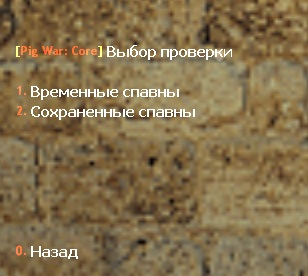
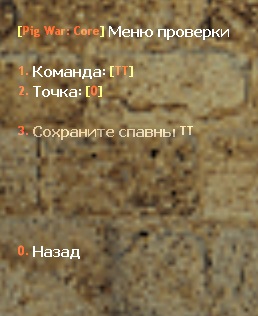
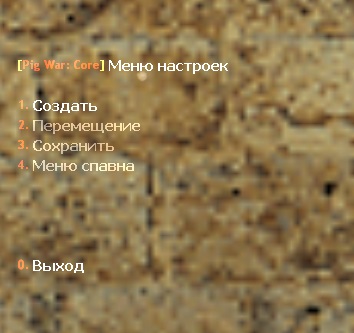
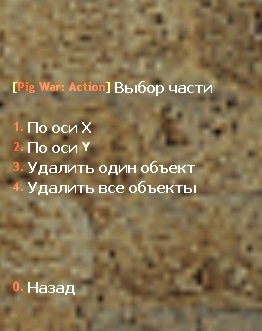
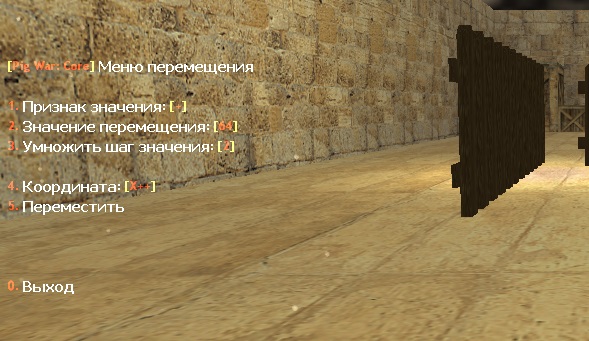
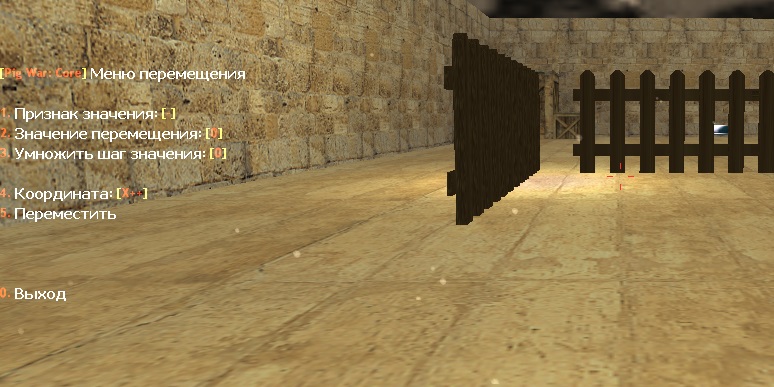
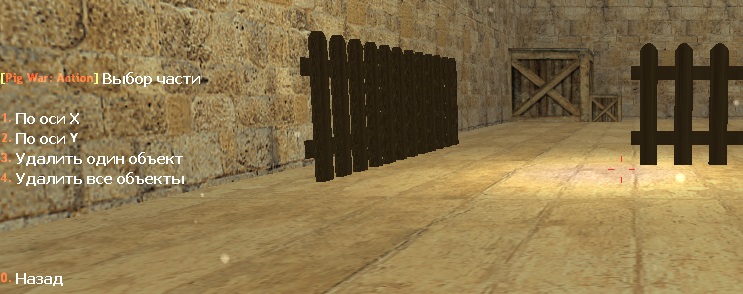
say /pw-menu - open the menu for creating (editing) enclosures and spawn points
say /pw - open the preparation menu before the battle, start.
say /pigwar - open the preparation menu before the battle, start.
say /pw-top - view battle statistics [формат: команда любая цифра (/pw-top10, /pw-top20)]
say /pw - open the preparation menu before the battle, start.
say /pigwar - open the preparation menu before the battle, start.
say /pw-top - view battle statistics [формат: команда любая цифра (/pw-top10, /pw-top20)]
Installation
- Compile each plugin
- Copy the files '.inc' to the directory: amxmodx/scripting/include/
- Copy the compiled files '.amxx' to the directory: amxmodx/plugins/
- Copy the file 'plugins-pigwar.ini' to the directory: amxmodx/configs/
- Copy the data and settings storage folder 'pigwar' to the directory: amxmodx/configs/
- Copy the plugin dictionary .txt to the directory amxmodx/data/lang/
- Copy the entity model files .mdl to the directory models/pigwar/
- Copy the folders containing player model files .mdl to the directory models/player/
- Copy the files .wav to the directory sound/pigwar/
- Copy the style settings file for displaying the MOTD window ' .css' to the root of your website.
- The archive contains an SQL dump file for the tables, ' .sql'; import it into the prepared database.
- Configure all plugin cvars and defines (database connection, etc.).
- Change the map or restart the server.
Comments (1)