zMuzy WeaponPhysics: documentation for the CS2 dropped weapon physics plugin
About this content
Features
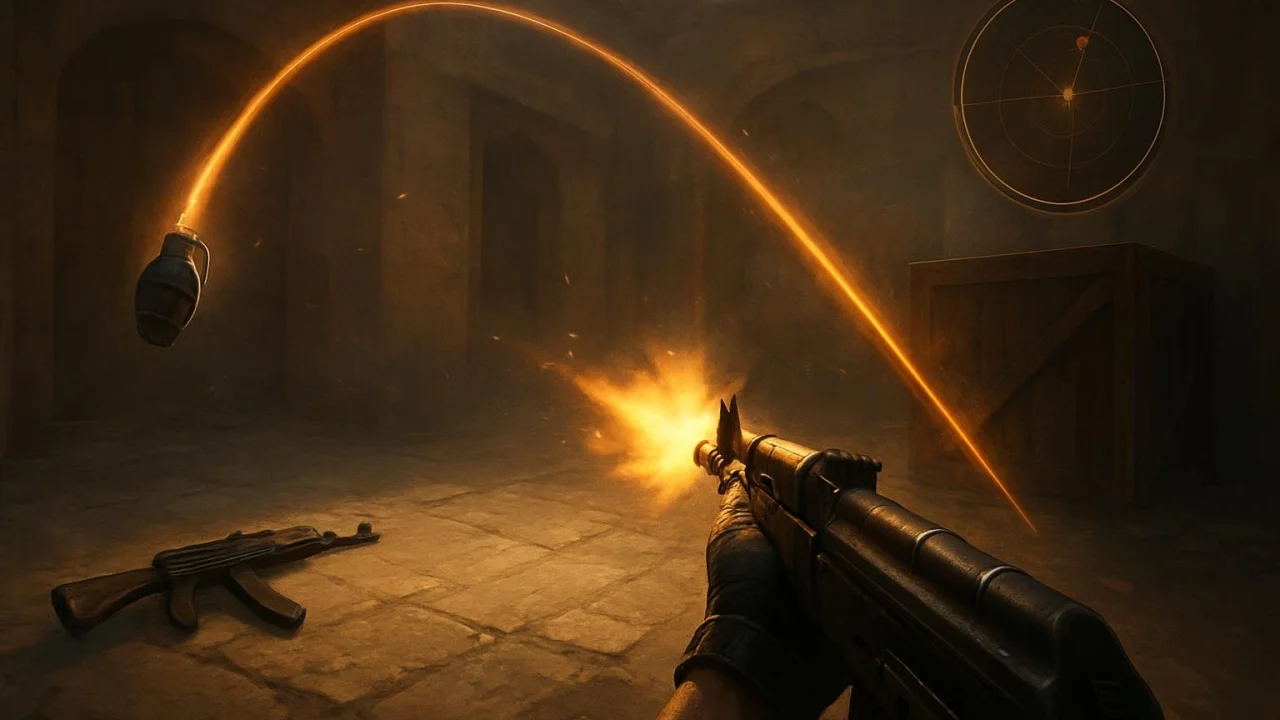
zMuzy WeaponPhysics is a CounterStrikeSharp plugin for CS2 that adds a reaction to hits for weapons lying on the ground. A shot near an item pushes it away, while a knife hit can launch it forward. C4, knives, grenades, and other utility items are not handled as targets. The plugin can be used on its own: zMuzy JailBreak is not a required dependency, although the README notes the Gun Toss scenario.
The code confirms that bullet and knife pushes can be enabled separately. Vertical impulse, a speed limit, and a delay between pushes to the same weapon are also applied to the dynamics.
Requirements
- A dedicated CS2 server with Metamod:Source 2.0.
- CounterStrikeSharp version 1.0.379 or later, the with-runtime (.NET 10) package.
Installation
- Download the archive
MuzyWeaponsPhysics-vX.Y.Z.zipfrom the latest release. - Extract it to
game/csgo/. The plugin file should be located atgame/csgo/addons/counterstrikesharp/plugins/MuzyWeaponsPhysics/MuzyWeaponsPhysics.dll. - Restart the server or load the plugin from the server console using the command
css_plugins load MuzyWeaponsPhysics.
On the first run, the configuration is created game/csgo/addons/counterstrikesharp/configs/plugins/MuzyWeaponsPhysics/MuzyWeaponsPhysics.json.
Settings
By default, the master toggle and both types of pushes are enabled. The main settings and their initial values:
{
  "Enabled": true,
  "EnableBulletBoost": true,
  "EnableKnifeBoost": true,
  "BulletImpactRadius": 52,
  "BulletBoostSpeed": 1150,
  "KnifeReach": 125,
  "KnifeLateralTolerance": 48,
  "KnifeBoostSpeed": 1450,
  "VerticalBoost": 65,
  "MaxWeaponSpeed": 1700,
  "ImpulseCooldownSeconds": 0.05
}
The setting ranges are respectively: BulletImpactRadius — 8–256; BulletBoostSpeed — 50–4000; KnifeReach — 16–256; KnifeLateralTolerance — 8–160; KnifeBoostSpeed — 50–4000; VerticalBoost — 0–1000; MaxWeaponSpeed — 100–5000; ImpulseCooldownSeconds — 0–1. Values outside the range are clamped when loading the configuration.
Build
The .NET 10 SDK is required to build. Run the following in the project directory:
dotnet build MuzyWeaponsPhysics.csproj -c ReleaseThe README also describes an automatic GitHub Actions build after pushing a tag that starts with v, and adding the ZIP archive to the release. The source repository itself is not a ready-to-use binary plugin. The project license is GPL-3.0.
Downloads
Version: v1.0.0.
The ZIP contains the source repository; a ready-to-use build is not guaranteed. Plugin file: MuzyWeaponsPhysicsPlugin.cs.
Comments (0)