How to link a game server to Steam to access the server from outside
About this content
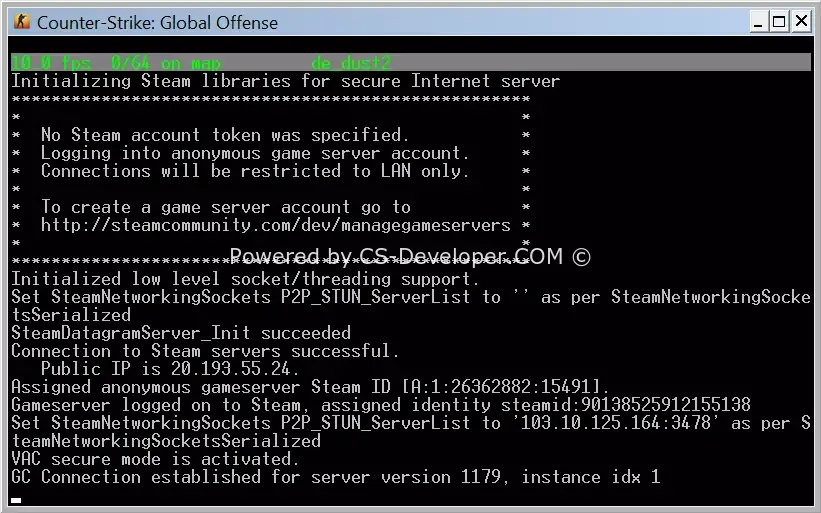
Having a token in the game server settings is mandatory. If you decide that this procedure is not mandatory, your game server will not be accessible from outside.
So how do you link your server to your Steam account?
1.
Your account must meet the following requirements:
- phone number verification;
- you need to buy any game costing at least 5 usd;
- there must be no VAC Ban for CS:GO;
2.
Follow this link: https://steamcommunity.com/dev/managegameservers
Log in to your steam account.
In the Application Number field, enter the number 730
In the Note field, enter the server name (for your own reference, so you can recognize which server it is)
Click the CREATE button.
3.
Copy the token you receive, open autoexec.cfg and insert the token with the variable sv_setsteamaccount
sv_setsteamaccount "sds1312dsa213213123sda"
Restart your server.
Comments (0)