What to do if CS:GO crashes while loading a map
About this content
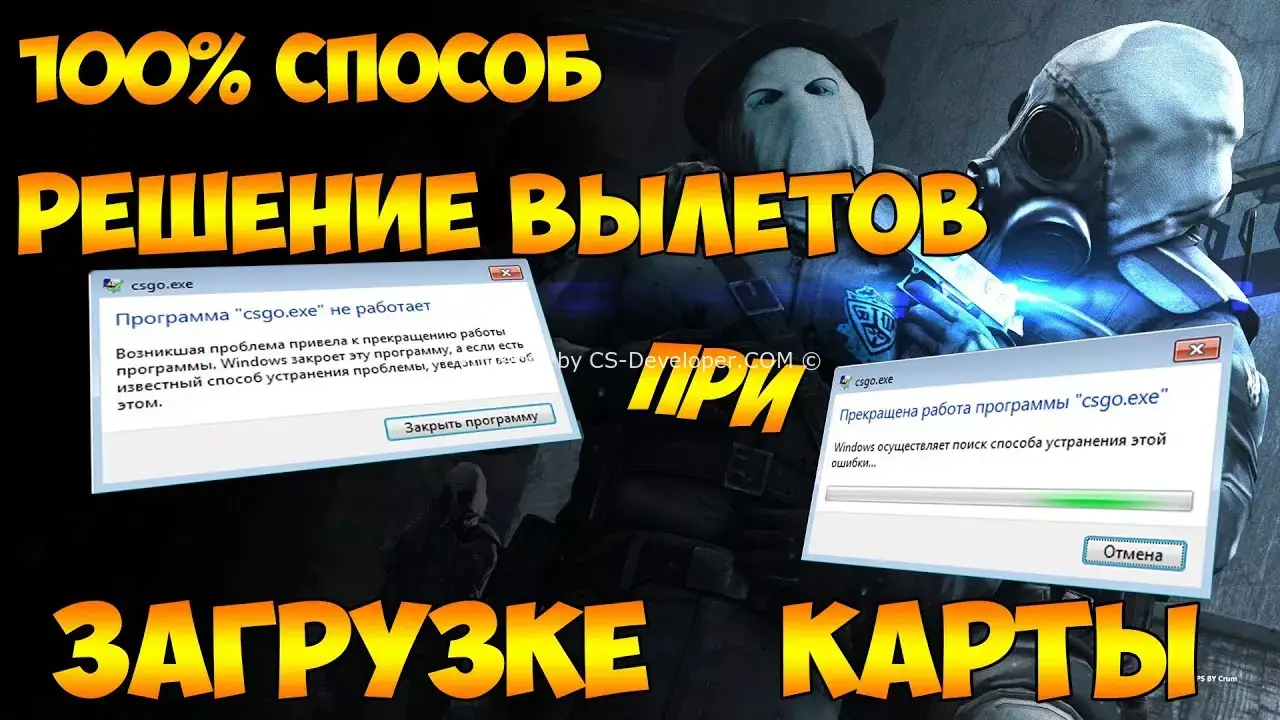
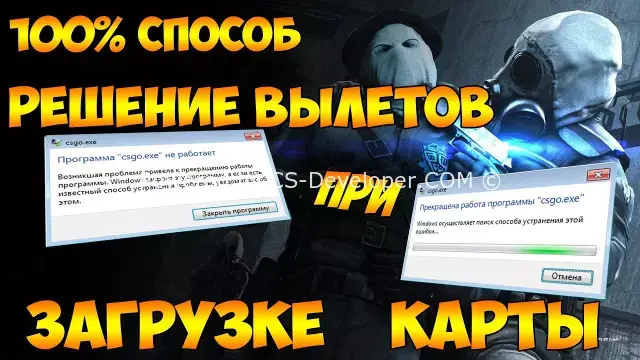
Most players experience a similar problem – an error occurs and the game client “crashes” while loading a map. The factors that cause this error can vary: a settings failure, not meeting the system requirements, and much more. This article looks at ways to solve this problem:
1) Resetting launch options
In the game, open the console and enter the command:
"Сl_disablehtmlmotd 1", then restart the client. After this, all previously configured launch options should be reset. It also makes sense to delete all the options entered in the game's properties in Steam (not in the game itself).
2) Verifying the integrity of the game cache
In the Steam library, open the game's properties, then the "Local Files" section, and select the "Verify integrity of game files" function. The Steam client will check all the game files; if any are broken or damaged, the client will download them again.
3) Updating the graphics card driver
It makes sense to update the graphics card driver. Ideally, uninstall it and reinstall it from scratch. The Display Driver Unistaller (DDU) utility is suitable for this. Switch the Windows operating system to safe mode (strongly recommended), and run this utility. Follow the program's instructions, uninstall the driver, and restart into normal mode. It is recommended to download the driver from the official provider (Nvidia or AMD).
4) Changing graphics settings
It makes sense to try lowering the graphics settings if the system does not meet the system requirements. If the error persists after doing this through the game client, it is worth working with the configuration files. Go to the folder containing the files and look for the text file video. txt. Find the setting. mat_queue_mode, and change its value from 1 to 0. Save the changes.
After all these steps, the game should no longer crash. If none of this helped, then the problem lies in the system itself. All that remains is to check the computer for viruses, free up space on the hard drive, and even reinstall the operating system.
Comments (0)