CloudFlare and How to Find a Website's Real IP
About this content
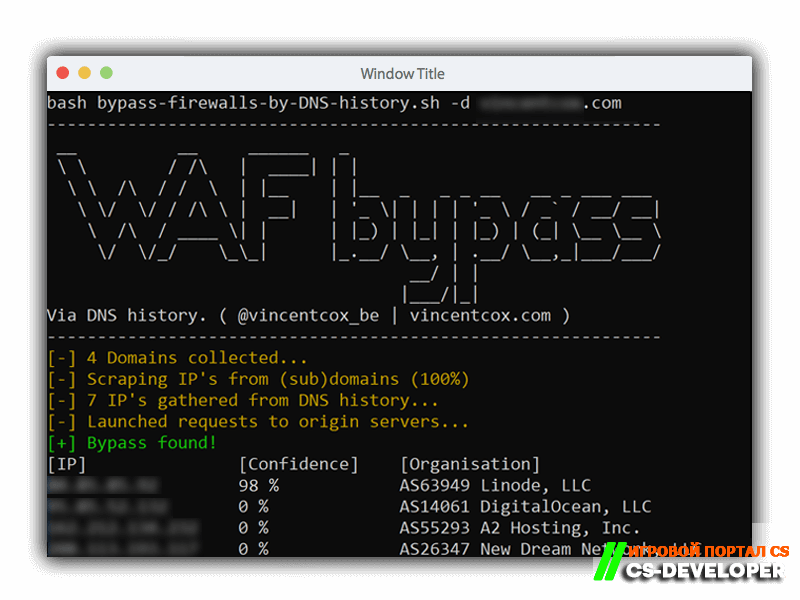
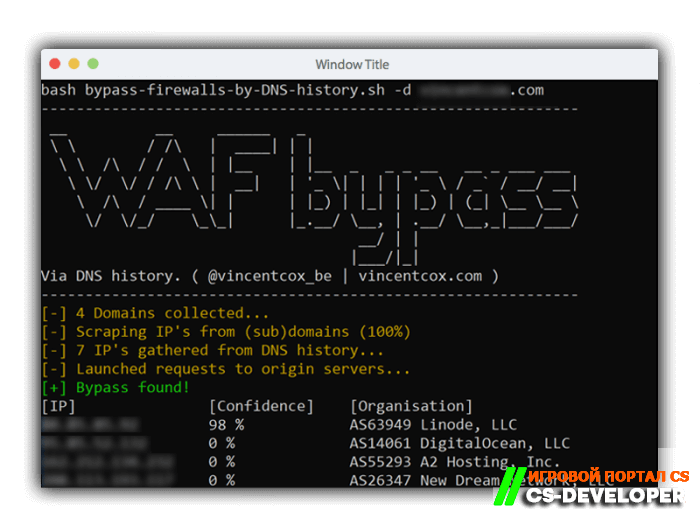
Our team decided to share this script so you can find the security hole yourself and close it.
List of script parameters:
-d
— required key for using the script. It is used to specify the domain name of the website for which we want to find a bypass;
-a
— with this parameter, the IPs found will be checked not only for the main domain, but also for subdomains;
-l
— this parameter lets you load your list of subdomains into the script to perform a more detailed and accurate check;
-o
— this parameter lets you save the script's results to a file, whose path is specified after the parameter.
Run:
bash bypass-firewalls-by-DNS-history.sh -d example.com
Comments (0)