How to properly clean a computer of dust?
About this content
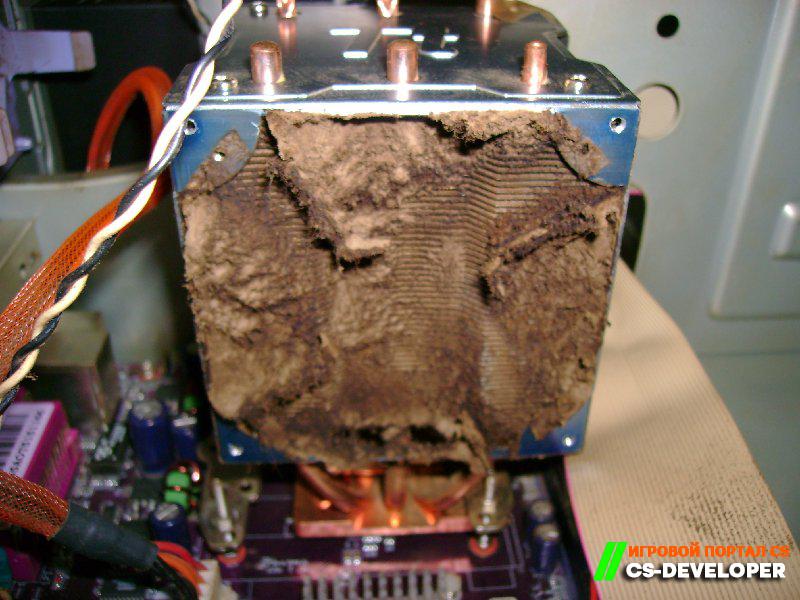
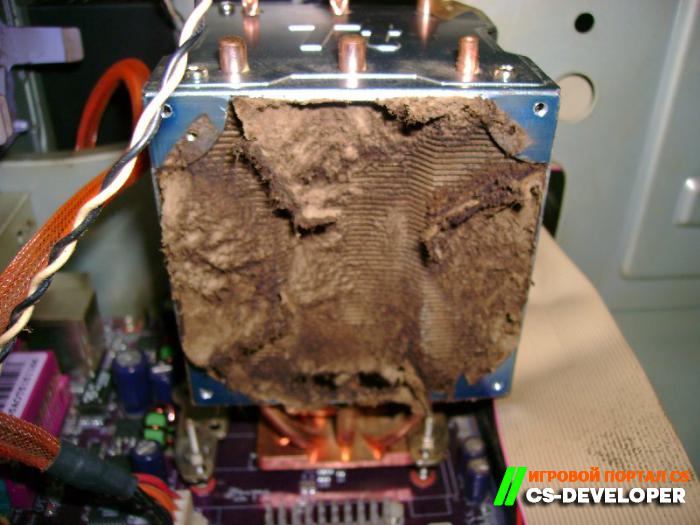
Over time, a considerable amount of dust accumulates inside any system unit. This leads to increased humidity inside the case, which in turn can cause the boards to oxidize. As a result, the power supply overheats and static electricity builds up, the discharge of which can damage PC components! To prevent this from happening, it is recommended to clean your computer of dust at least a couple of times a year. Especially since it is quite easy to do:
• First, turn off the PC and unplug it from the power outlet
• Now you need to remove the system unit covers and remove the dust from their surfaces. For this, you can use any brush or a vacuum cleaner equipped with a blowing function.
• After cleaning the metal surface of the case, you can start cleaning the motherboard and fans. For this, it is recommended to use an antistatic brush or, even better, a can of compressed air. The main thing is to do everything carefully so as not to damage important computer parts and components.
• After everything is done, you can also wipe the system unit covers with wet wipes.
All done! All that remains is to reassemble the computer. As you can see, cleaning a computer of dust is a simple task that even beginners can handle.





Comments (0)