Vice City OverHaul 3.0b (OIV)

About this content

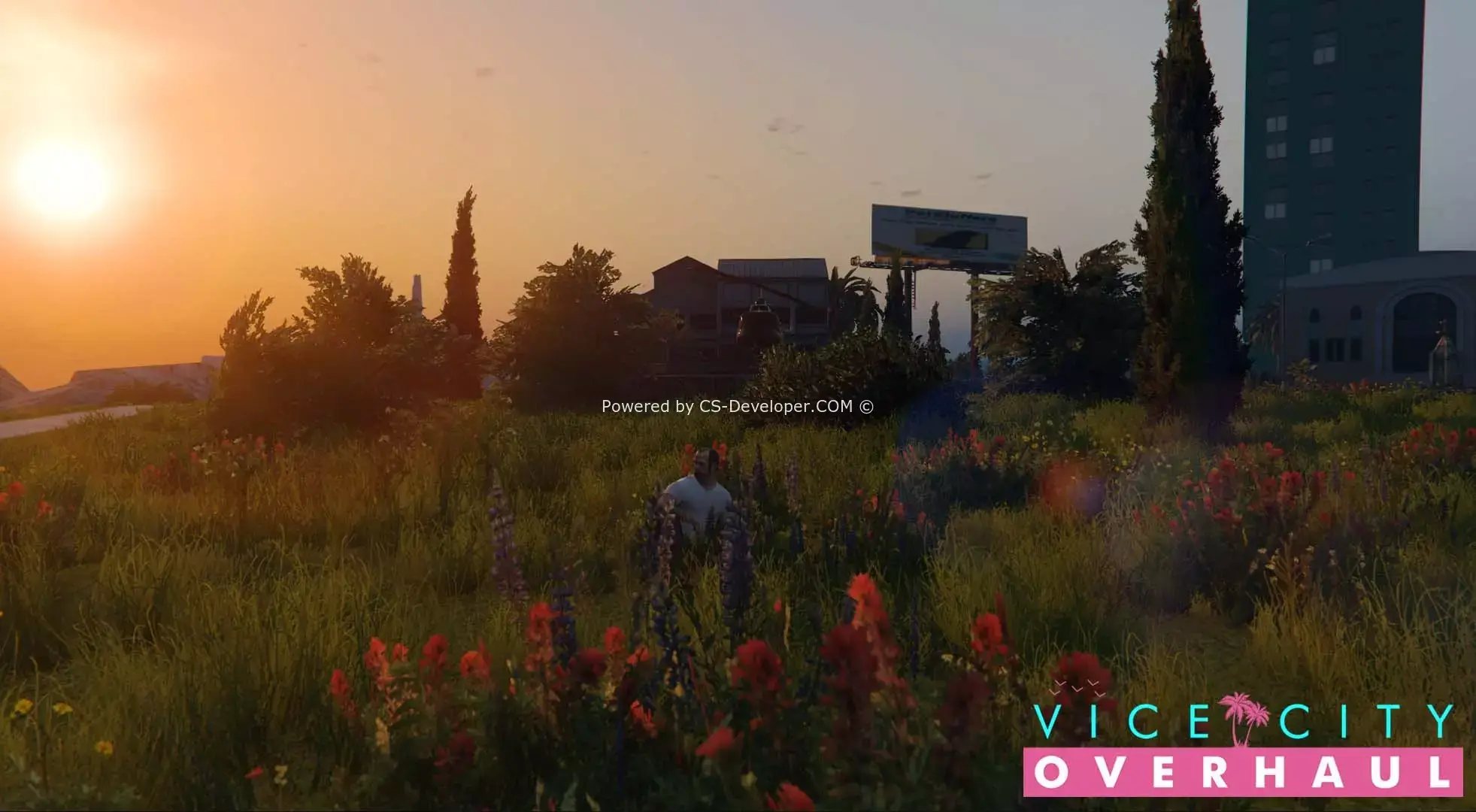
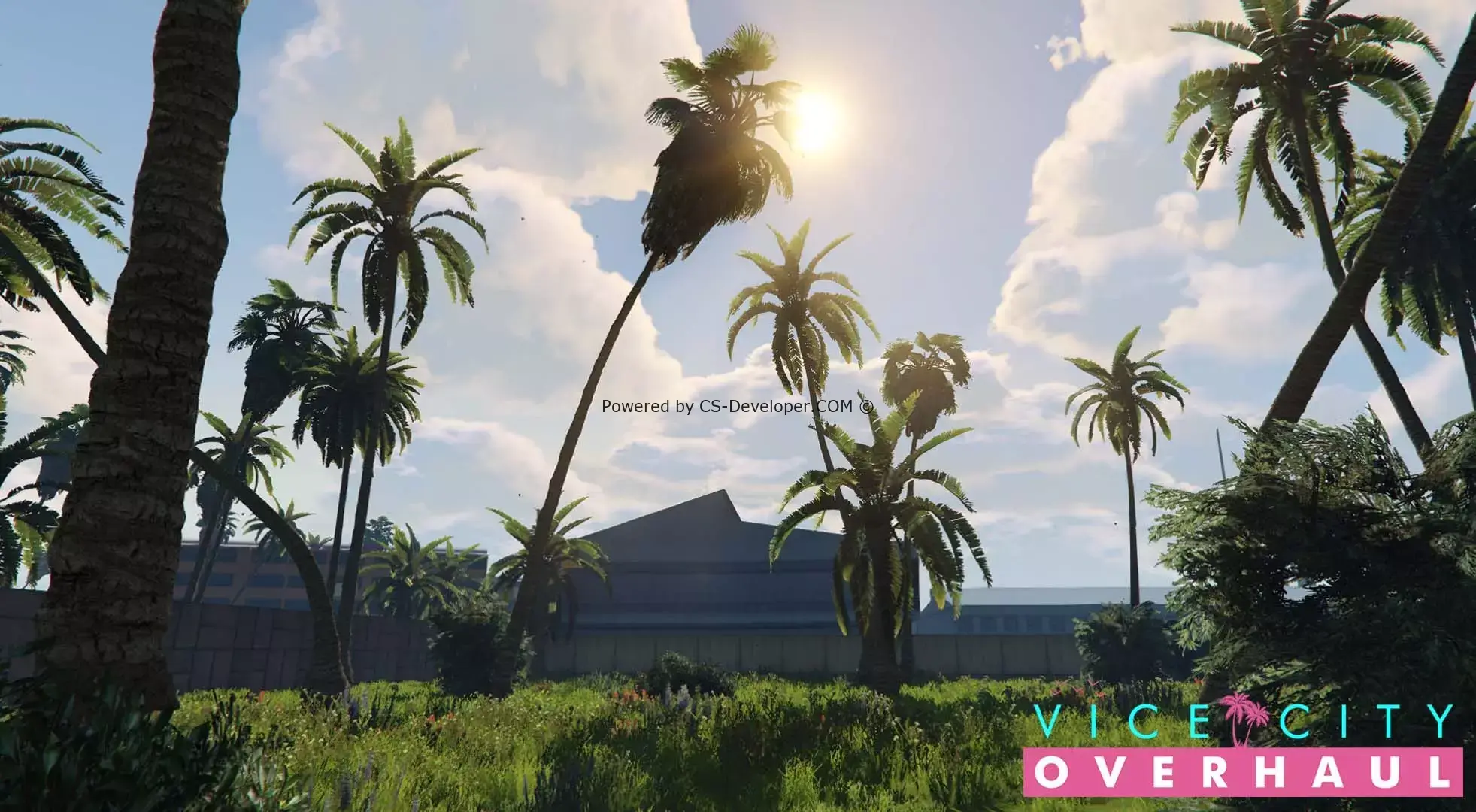
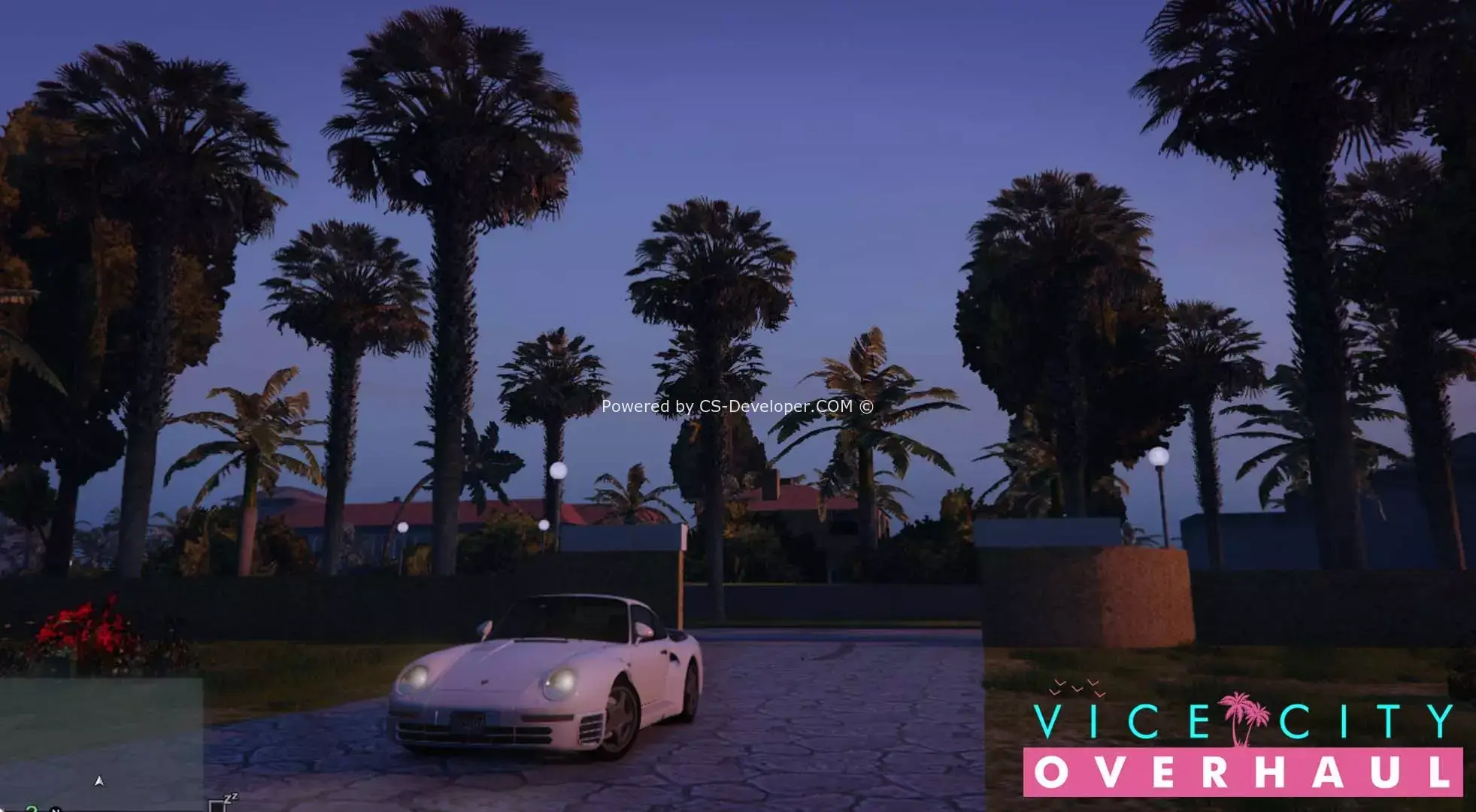
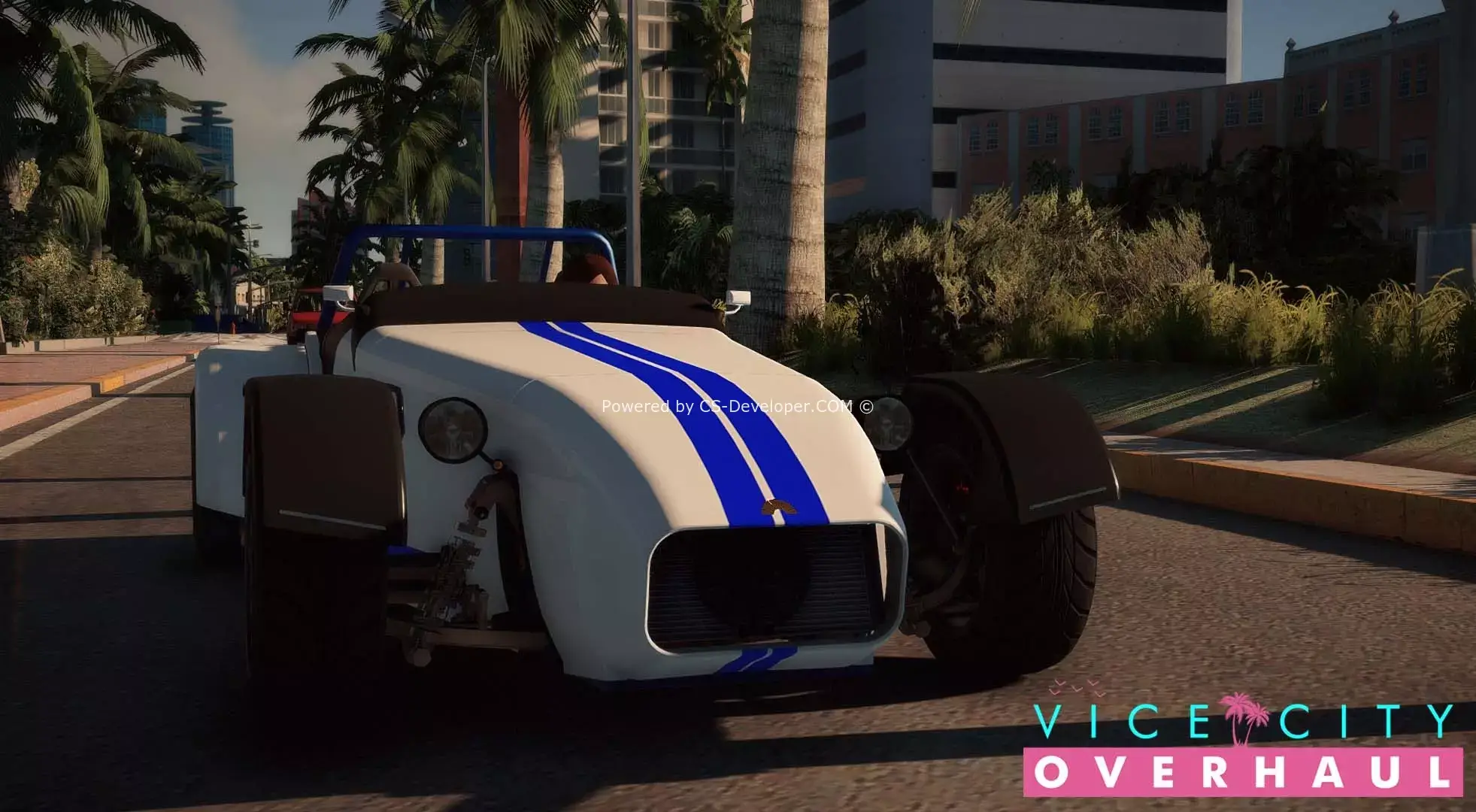
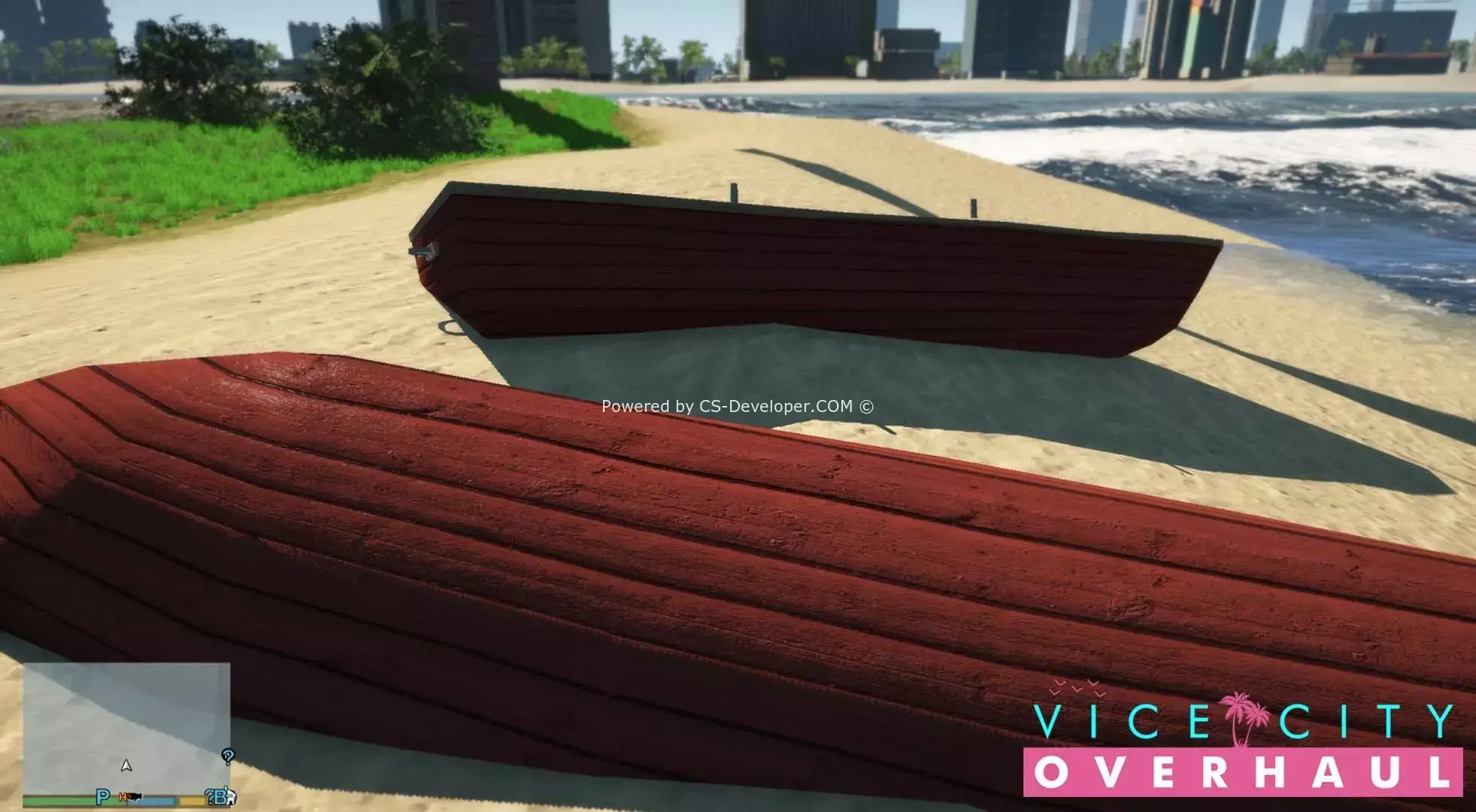
Vice City Overhaul is set in the past in Grand Theft Auto V, with the map overhauled with many improvements. Our modification aims to provide an entirely new Vice City experience, with a completely new level of features and attention to detail. Our new update features new vegetation improvements in beautiful areas of Vice City, such as Ocean Drive, the new Malibu Club and the Sex Garden hotel, complemented by new exterior models, working traffic, and much more...
Installation:
NOTE. First, install OpenIV и SxripthookV. Before loading and installing all this, install gameconfig and the cookie tuner to avoid crashes...
1 - Launch OpenIV and click the GTA V window (if it asks for the game's location, set it).
2 - Click “Tools” > “ASI Manager”; make sure OpenIV.asi and the ASI loader are installed:
3 - Click Tools > Package Installer:
4 - Select the .OIV file and click “Open”:
5 - A window like this should appear; click “Install”:
6 - OpenIV will now ask whether you want to install to the mods folder or the game's original files. I recommend *choosing the mods folder option to make it easier to disable mods when playing online (*Some mods do not edit RPF files, in which case the “mods folder” option will be disabled):
7 - If all goes well, you should see the “Installation” screen, followed after a while by the “Installation Success” screen. Installation time may be longer depending on which RPF files OpenIV needs to process :)






Comments (1)